SoftwareApp
55dc2293b2
SoftwareApp
55dc2293b2
A window at or above Material expanded breakpoint (840dp) now splits into a master pane and a detail pane: tapping a row highlights it and the second pane shows a folder children, or a preview plus the metadata for a file. Opening moves to a double tap on wide windows only; phones (~411dp) and the 7-inch in portrait (~600dp) keep their layout and their tap behaviour.

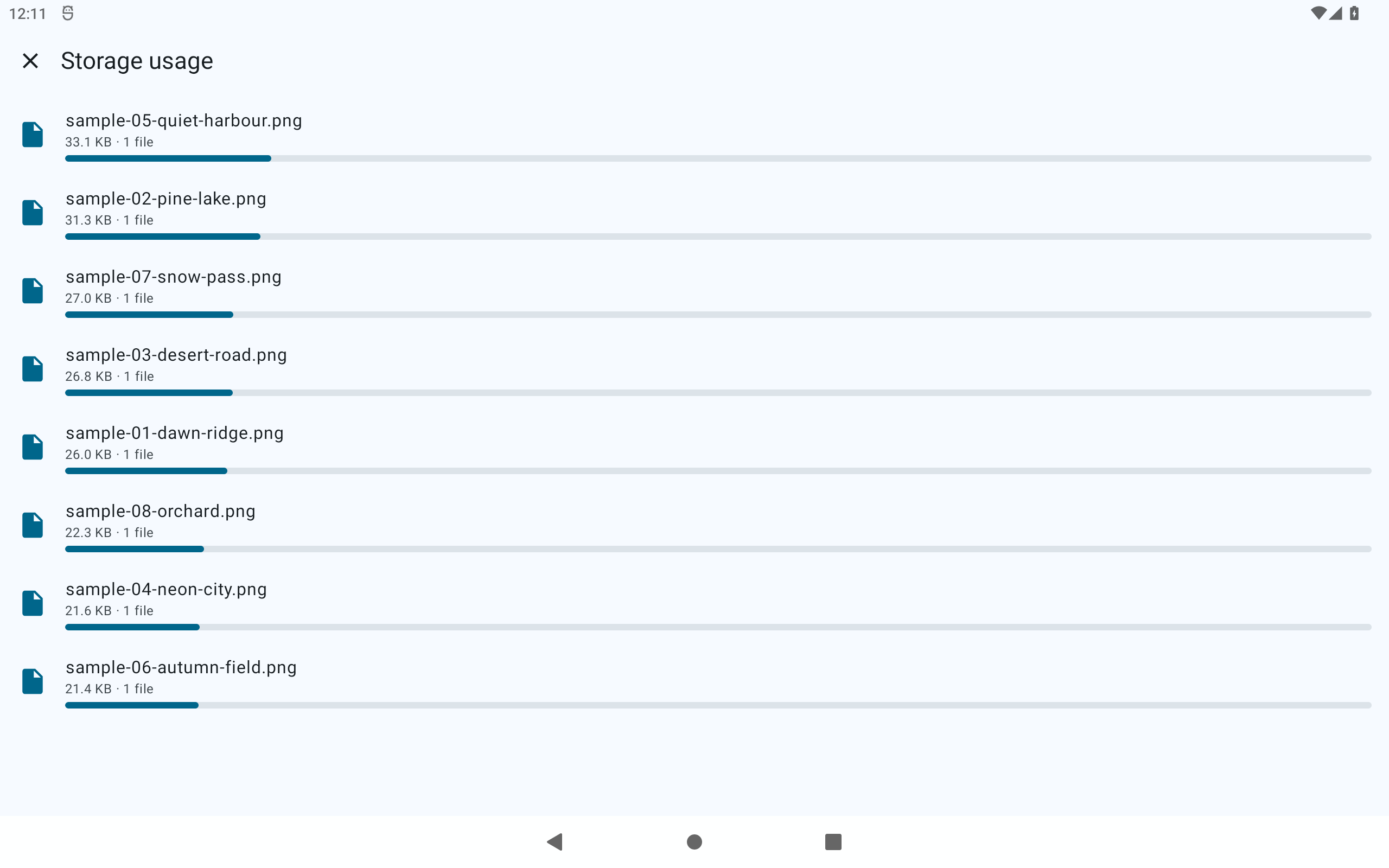
Found while taking the tablet screenshots: the app had no large-screen layout at all, so on a 2560x1600 canvas every row was 2560px wide with its content stranded in the left ~240px.

The tablet sets are re-shot on this build. That also caught a blank capture (7-inch 01-roots) that had already been committed: a headless AVD draws its system bars before Compose composes its first frame, so the file was not obviously empty. make-store-screenshots.sh now measures each capture app area and refuses to normalise one that is blank.
109 KiB
2560x1600px
109 KiB
2560x1600px